Programme · Ages 14 to 17
Build With AI
A six week cohort where every student makes something real with AI, for a problem from their own life, and shows it to the people they care about.
- Ages
- 14 to 17
- Length
- 6 weeks, one 2.5 hour session a week
- Cohort
- 25 to 30 students per site
- Ratio
- One facilitator for every 8 to 10 students
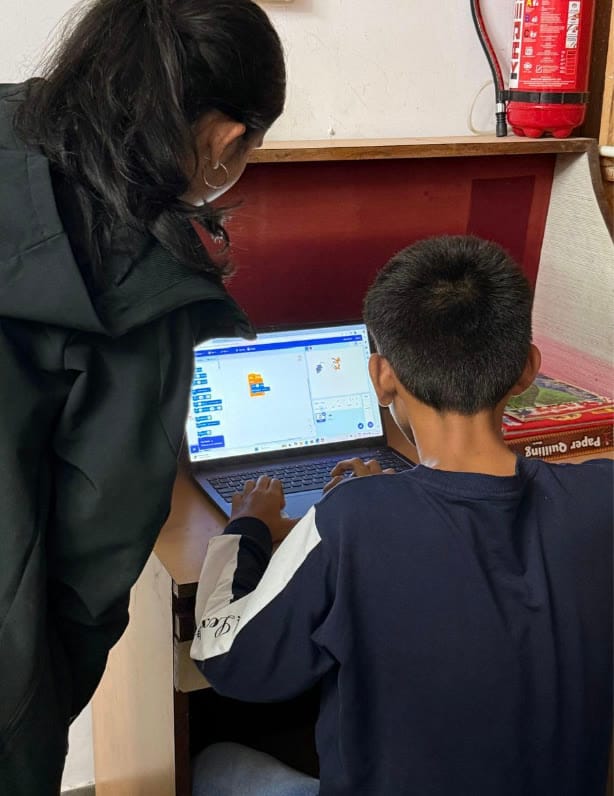
We are not running a class about technology. We are helping a student make something real, and discover that they can.
Why it works
In week 2 every student picks a real problem from their own life: their home, their school or their neighbourhood. The next four weeks go into building something with AI that helps. By the end, every student has finished something and shown it to a room, and that is what stays with them.
The six weeks
Every week has an offline fallback, so no session is cancelled when devices or connectivity are short.
Digital FoundationsWeeks 1 and 2
Week 1: Getting online and staying safe
Basic computer use, scams and their warning signs, passwords, what to share and what not to.
A profile page in PowerPoint or Sway, and their own online safety checklist
Week 2: Finding a problem worth solving
The difference between a complaint and a problem you can act on.
A one page pitch: the problem, who it affects, a first idea
AI LiteracyWeeks 3 and 4
Week 3: Meeting Copilot
What AI is, how to prompt it well, and why every answer gets checked. Copilot gets something wrong on screen, on purpose.
A rough first working version, built with Copilot
Week 4: Building it out
Text and images, assembling the pieces, giving and taking feedback.
A full version, with visuals made in Microsoft Designer
Future CreatorsWeeks 5 and 6
Week 5: Testing and presenting
Testing on a real user, fixing what confuses them, learning to talk about the work.
A tested, finished project and a two minute demo script
Week 6: Demo day
Family, partners and the community in the room.
A live presentation, and a certificate
What every student can do by week 6
- Use a computer and navigate the internet on their own.
- Spot a scam or fake message using four warning signs, and keep passwords and personal information safe.
- Explain what AI is, what it is good at, and where it gets things wrong.
- Use Microsoft Copilot to research, write, plan and build, and check its answers instead of trusting them.
- Take a problem from their own life and turn it into something they built.
- Present their work to an audience for two minutes.
Microsoft tools, built in
Microsoft Copilot
The AI assistant students build with from week 3.
Microsoft Designer
Images and visuals for projects in week 4.
PowerPoint and Sway
The profile page, the problem pitch and the demo.
Microsoft Forms
The surveys at the start and the end of every cohort.
How we measure it
- Students completing all six weeks
- Weekly register. Target 80%.
- Projects finished and presented on demo day
- Demo day record. Target 90% of those who complete.
- Confidence in five areas, before and after
- Self-rated in week 1 and week 6.
- Students able to use Copilot unaided
- Facilitator assessment in week 5.
- Graduates returning to help the next cohort
- Sign-ups at week 6.
What a site needs
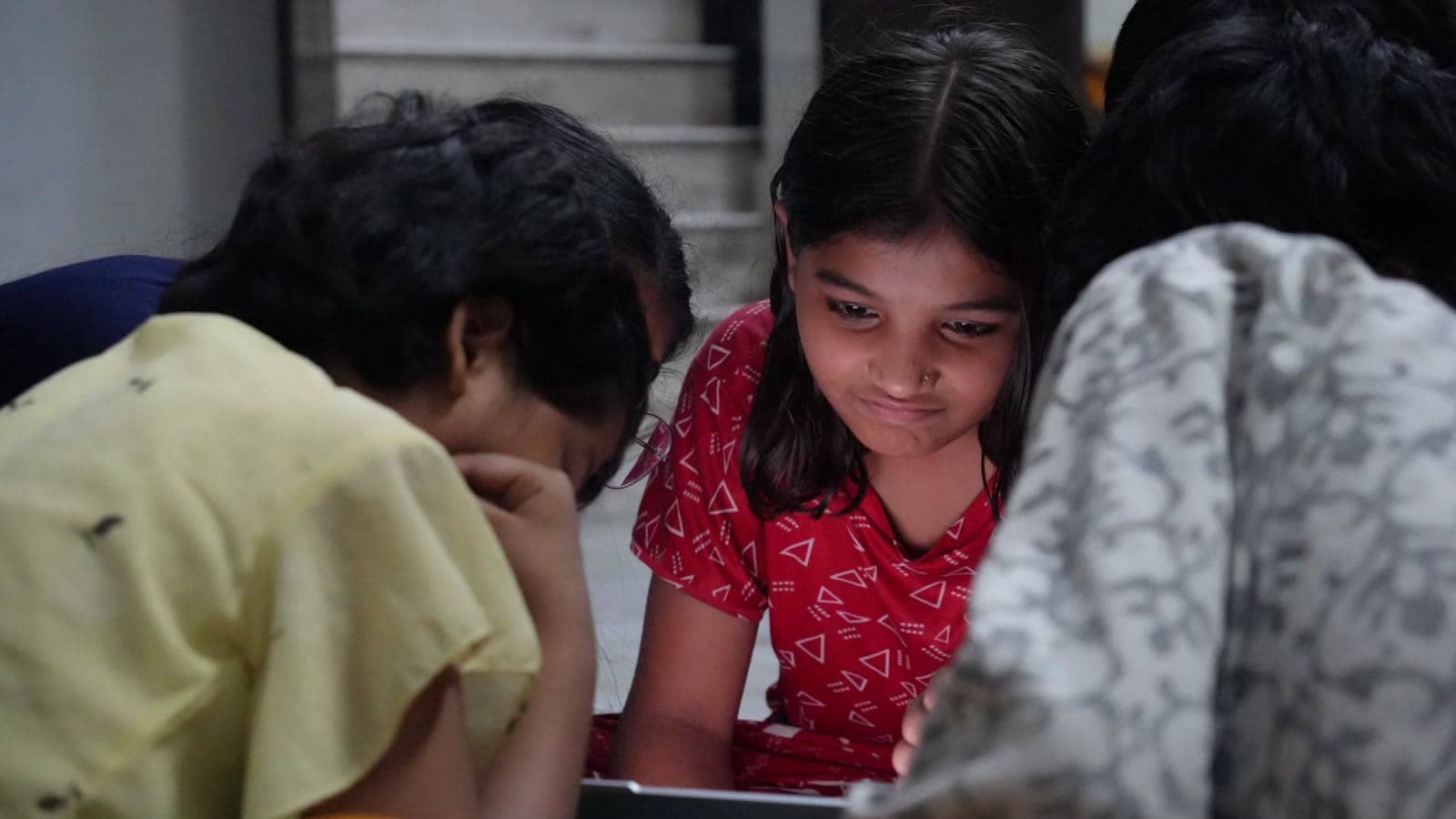
Basic Windows laptops are enough, including refurbished ones. Students share one between two in the build weeks, which keeps the ask small and works better: pairs unstick each other. 15 laptops serve a cohort of 25 to 30, and they stay with the school or NGO for the next one.
Safeguarding
- Written consent from a parent or guardian before week 1, for taking part, for using AI tools, and separately for photos.
- Two adults in the room at all times. No volunteer contacts a student privately.
- No real names, addresses, phone numbers or photos of people go into any AI tool. Week 1 teaches it and week 3 repeats it.
- No student's full name, school or face is published without separate written consent.