Programme · Built on Microsoft's education resources
Microsoft × ByteByByte
A curriculum built on Microsoft's education resources, taught in person by our volunteers. Three levels, from a child's first mouse click to a college student's first credential.
How it runs
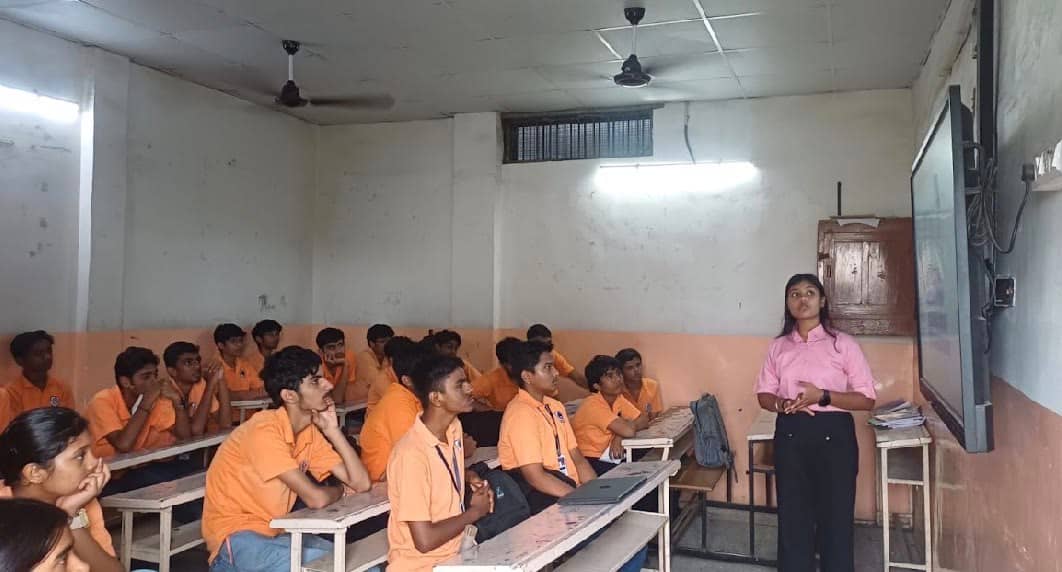
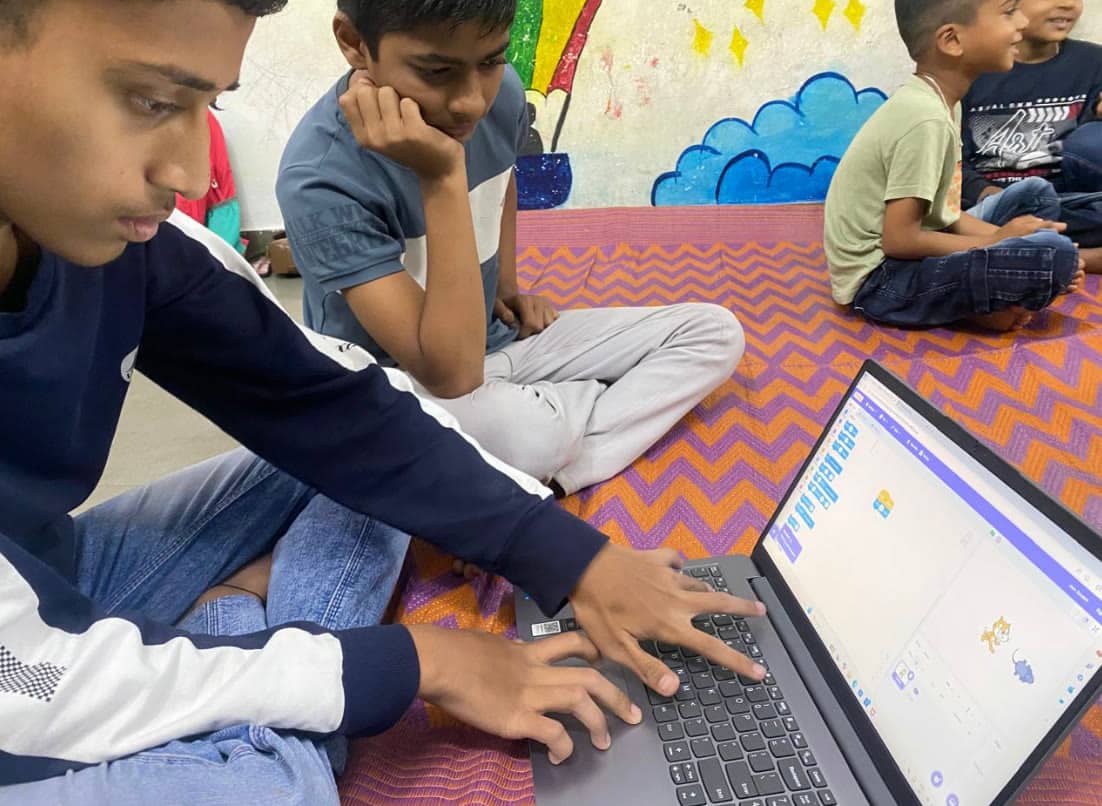
- Every session is taught in person, with learners working in pairs.
- Every session ends with something the learners made or completed.
- Learners under 13 don't get their own Copilot accounts. Facilitators show Copilot on a shared screen.
- Facilitators explain each resource in the learners' own language.
Three levels
Level 1 · Classes 5 to 7
Learners who may never have used a computer go from the basics to building and presenting their own game.
- Length
- 8 weekly sessions of 90 minutes
- Group
- 20 to 24 learners, in pairs
- Ends with
- A game each pair built, shown to parents and guests
| Session | Microsoft resource | What learners do | Output |
|---|---|---|---|
| 01 | Digital Literacy: Work with Computers | Mouse, keyboard, browser, saving and finding a file | Everyone can open, save and find a file |
| 02 | Hour of AI India with Microsoft: AI for Oceans | Train a model to tell fish from rubbish and see how it learns | Completed Hour of AI activity |
| 03 | Hour of AI India with Microsoft: AI for Farmers | Use AI to solve a farming problem, in Hindi or English | An "AI around me" poster |
| 04 | Minecraft AI Foundations, lessons 1 and 2 | What AI is, then the unplugged activity in each lesson | Completed unplugged activities |
| 05 | Minecraft Hour of AI: The First Night | Program an AI agent to build a shelter before nightfall | Completed lesson |
| 06 | MakeCode Arcade | Sprites, movement, score and enemies in blocks | Playable game, version 1 |
| 07 | MakeCode Arcade + Digital Literacy: Participate Safely Online | Finish the game, and talk about staying safe and using AI responsibly | Final game |
| 08 | SOAR: AI to be Aware | Pairs show their games to parents and guests | Showcase and certificate |
Level 2 · Classes 8 to 10
Students learn how AI works in their own language, then use Copilot and Excel on a data project about their own school.
- Length
- 10 weekly sessions of 75 minutes, as a school AI club
- Group
- 20 to 25 students per school, in pairs
- Ends with
- A team data project about their own school, and real credentials
| Session | Microsoft resource | What learners do | Output |
|---|---|---|---|
| 01 | Hour of AI India with Microsoft: Mix and Move | Launch the club, choose student leads, first AI activity | Club charter |
| 02 | BRAIN: Overview of AI and ML | Data, patterns and how machines learn, in English, Hindi, Kannada, Tamil or Telugu | Worksheet |
| 03 | Minecraft AI Foundations + BRAIN: AI for People | Where AI helps people, and where it can go wrong | Reflection entry |
| 04 | BRAIN: Language, Speech, Vision + AI Fluency | Speech, image recognition and generative AI, trying each one | Prompt log |
| 05 | BRAIN: AI in Office 365 + Get started with Copilot | Dictate, Translator, Immersive Reader, then Copilot for research | 3 prompts that worked, 1 that didn't |
| 06 | AI Fluency: Explore responsible AI | Checking what AI says, bias, privacy, what never to share | Fact-check sheet |
| 07 | Hacking STEM: The Data Science Process, part 1 | Teams pick a question about their school and collect data | Team plan and dataset |
| 08 | Hacking STEM part 2 + BRAIN: Excel and Data | Analyse the data with Excel's Analyze Data and Copilot | Team findings |
| 09 | BRAIN: Basics of Python, or MakeCode micro:bit | First code beyond blocks, or a physical build | Working code or build |
| 10 | Showcase | Teams present to staff and guests. Student leads plan the next term | Showcase and a plan to keep the club going |
Higher Education · College students
Every college student finishes with a credential in one career path. Engineering students also apply to Microsoft and GitHub student communities.
- Length
- 6 weeks: one 90 minute session a week, self-paced in between
- Group
- 20 to 30 students
- Ends with
- A credential in one career path, plus Applied Skills
| Session | Microsoft resource | What learners do | Output |
|---|---|---|---|
| 01 | AI Skills Navigator + Unlocking AI for Everyone (Skill India) | A skills self-assessment and a first course on AI at work | Personal learning path and a government certificate |
| 02 | Career Paths on Microsoft Learn, or LinkedIn learning paths | Each student picks one path, for example Data Analyst | Chosen path, first modules done |
| 03 | The same career path | Work through the path together, peers helping each other | Half the path complete |
| 04 | Accessibility fundamentals | Technology that works for people with disabilities, including accessible AI | Microsoft Learn badges |
| 05 | Student Credentials | A free Applied Skills assessment, for example with Copilot Chat | Applied Skills credential |
| 06 | Engineering communities | Apply to Code; Without Barriers, Microsoft Student Ambassadors, GitHub Campus Experts | Career path credential and applications sent |
Credentials learners can earn
SOAR
The Government of India's Skilling for AI Readiness course for classes 6 to 12.
Passport to Earning
A UNICEF certificate in digital productivity and cyber safety. Works on basic phones, in five languages.
AI Fluency
Microsoft Learn badges, including getting started with Copilot.
Goodwall
AI Fundamentals, AI Analysis and AI Stories, in a free app.
GitHub Education
GitHub Pro and the Student Developer Pack for student leads.
Applied Skills
A free Microsoft assessment for college students.
Before any volunteer teaches
Every facilitator completes the Microsoft resources they teach first: AI solutions for education, Minecraft Education, MakeCode, Hacking STEM, all seven AI Fluency modules and Digital Literacy. Nobody teaches something they have not done.
College students who finish come back as facilitators for the school levels.